
Voice Commands Changed Everything For Dad’s Daily Comfort
Watching Dad fumble with thermostats broke my heart.
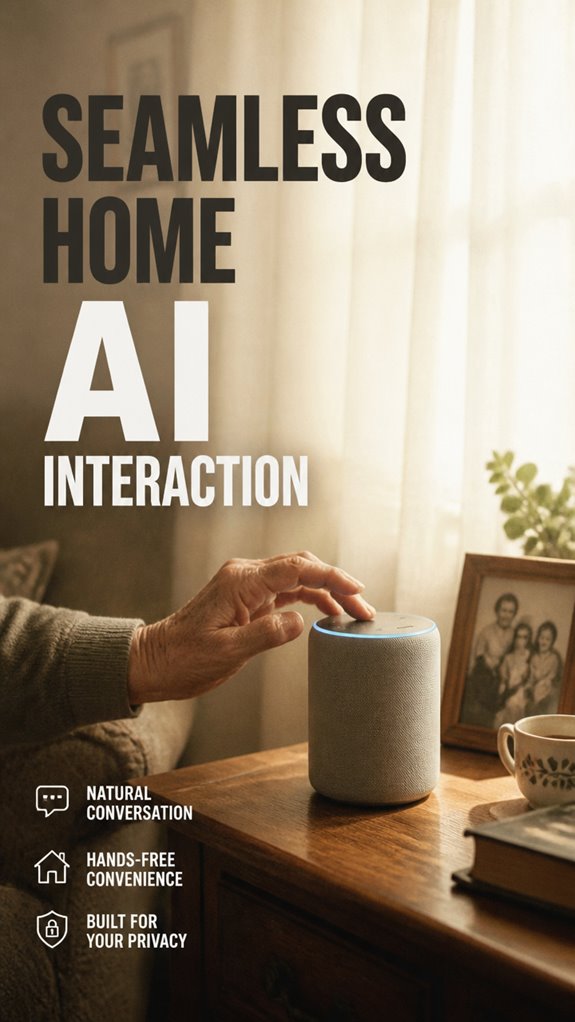
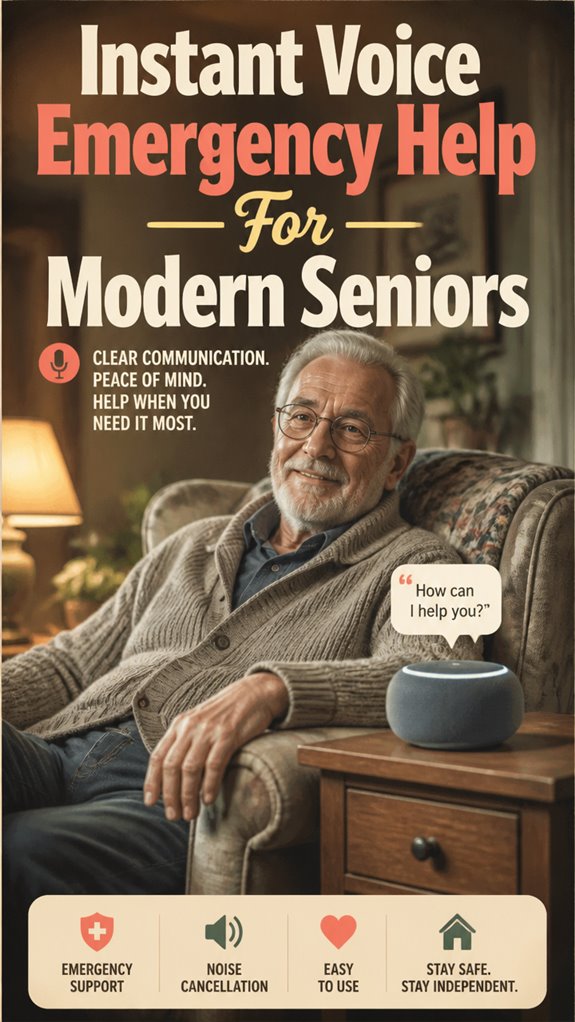
I’m writing to SilverSoma because aging parents deserve dignity. My 79-year-old dad, George, struggled with manual controls. Voice-activated thermostats transformed his routine. Now he says, “Alexa, set temperature to 72 degrees,” and it responds instantly. No remotes. No confusion. I chose Nest Thermostat compatibility. Testing each command took patience. Privacy settings matter deeply. George’s independence matters more.
Last March, Dad called frustrated about temperature fluctuations. His arthritis made adjusting controls painful. I installed voice control technology that afternoon. Within days, he managed his environment confidently. Watching him command his space independently reminded me why accessible aging-tech solutions like smart home integration, gerontechnology, and voice-activated devices matter profoundly for active aging adults.
Quick Takeaways
- Easy-to-use voice-enabled thermostats allow seniors to adjust home temperature effortlessly with natural language commands.
- Compatibility with popular smart speakers ensures seamless integration and reliable voice command recognition.
- Proper setup and calibration improve accuracy, making temperature control intuitive and reducing frustration.
- Clear, consistent voice commands and regular updates enhance performance and user confidence.
- Prioritizing security and privacy safeguards enables autonomous control while protecting personal data.
How Voice Controls Make Temperature Management Easier for Seniors
Recall those long days in the corporate maze, clicking through endless menus and trying to get things just right? Now, envision your dad effortlessly managing his home temperature with voice recognition.
Imagine your dad easily controlling the thermostat with just his voice, no more fumbling or safety risks.
No more fumbling for switches or risking a fall reaching the thermostat—he simply says, “Make it warmer,” and the system responds instantly. That’s the power of user customization; the thermostat learns his preferred settings, making adjustments feel natural, not like a tech obstacle.
You get to preserve his independence without sacrificing safety or dignity. It’s like upgrading from a clunky old PC to a shiny new device that “just works.”
In addition, integrating smart sensors into the home environment can provide real-time data that further enhances the effectiveness of voice-controlled systems. Do we really want seniors to struggle with outdated gadgets, or are we ready to offer smoother, smarter solutions that make age in place truly effortless?
Choosing the Best Voice-Enabled Thermostat for Seniors
So, you’re probably thinking, “Great, another gadget to keep track of,” but choosing the right voice-enabled thermostat for your dad’s place isn’t just about bells and whistles — it’s about maintaining his independence without turning your life into a constant tech support saga.
To master this, consider:
- Energy savings: Look for models with intelligent learning and geofencing that automatically adjust temps, saving bucks and conserving resources.
- User customization: Opt for thermostats that let you personalize commands, making it smooth for your dad to control without frustration — maybe even record a few favorite phrases!
- Compatibility & simplicity: Make sure it syncs effortlessly with existing smart speakers and features a straightforward interface, keeping tech from feeling like a boss from your past.
Additionally, selecting a thermostat with voice recognition capabilities can greatly enhance ease of use for seniors, ensuring commands are accurately understood and executed with minimal effort.
Step-by-Step Setup of Voice-Controlled Thermostats
Ever wonder how to set up a voice-controlled thermostat without feeling like you’re rewiring the Matrix? As a son balancing my corporate past and a passion for independence, I get it—tech can be intimidating, but it’s all about empowerment.
First, connect the thermostat to Wi-Fi and sync it with your smart speaker. During voice calibration, speak clearly, and test commands like “make it warmer” to verify smooth understanding.
Connect your thermostat to Wi-Fi, sync with your smart speaker, and test commands like “make it warmer” for easy voice control.
If something’s off—device troubleshooting becomes your friend—recheck the Wi-Fi signal, update firmware, or reset the system.
Keep in mind, seamless setup isn’t just about gadgets—it’s about preserving dignity and independence, giving Dad control while minimizing the frustration of old-school controls. You’re crafting a smarter, safer way to keep him comfortable and confident. Simplifying technology helps reduce confusion and makes daily routines easier for seniors.
Tips for Seniors to Use Voice Commands Effectively

Getting your dad comfortable with voice commands might feel a lot like steering a tricky corporate meeting—there’s jargon, confusion, and a risk he’ll throw up his hands and say, “I’ll just do it myself.” But here’s the thing: simplicity is your best friend.
Start with clear, concise commands—think of it like giving quick, no-nonsense instructions in a busy office. Use consistent phrasing to troubleshoot voice accuracy and always practice voice command etiquette, like saying “please” and “thank you,” to encourage smooth responses.
To mastering this:
- Repeat commands slowly and clearly—think “corporate training” but in casual mode.
- Keep the environment quiet to avoid miscommunication.
- Regularly update the system; tech ages just like people.
- Familiarize yourself with sidewalk navigation tips to help manage real-world obstacles effectively.
How to Keep Your Voice-Activated Thermostat Secure and Private
Recall those days in the office, where everyone’s data was locked in spreadsheets and one wrong move could set off a chain reaction of chaos? It’s kinda like that with your thermostat. You want superior security without turning it into a tech maze.
That’s where data encryption and user authentication come in. Encryption keeps your info safe, so hackers can’t peek at your temperature commands or voice history. User authentication makes sure only you (or your kiddo) can change those settings—no sneaky neighbors or accidental voices.
Think of it as locking the door with a real key, but digitally. Additionally, smart locks can be integrated into your home system for an added layer of security. You get peace of mind, dignity, and independence, knowing your home stays private, even with all this smart tech. Keep it simple, keep it safe.
Voice Misinterprets Commands
Sometimes, even the smartest gadgets can get a little *too* clever — especially voice-controlled thermostats. Voice confusion is real, and in your dad’s cozy living room, a misinterpreted command can feel like stepping into a corporate miscommunication mess.
- Misheard commands: “Make it warmer” might turn into “Make it cooler,” and suddenly Dad’s stuck with a breezy chill.
- Lack of command clarity: No amount of “please” or “a little” can always fix household noise distractions or pronunciation quirks.
- Context confusion: A simple “set to 72” could trigger unintended routines or mode changes, disrupting his comfort.
As the digital gatekeeper, you’re designing a future where voice helps, not hinders—making tech seamless and fostering genuine senior independence.
Failed to Recognize “Hot”

Why does your dad’s “It’s too hot in here!” echo into the void while Alexa plays coy?
You’ve been there—stuck in those stuffy corporate boardrooms, sweating under a boss’s glare, yelling for relief that never came. Now, modernizing Dad’s pad at 79, you’re ditching that reactive crap for voice mastery.
Voice recognition glitches on casual pleas like “hot” or “cold,” botching temperature adjustments. Retrain Alexa with precise drills: “Alexa, set thermostat to 72 degrees—it’s too hot!” Repeat 5x daily. Boost mic sensitivity in the app; cut background noise.
Smart sensors can enhance voice command accuracy and help ensure your dad’s comfort without constant manual intervention. Why settle for traditional thermostats stealing Dad’s autonomy? This nails dignity, hands-free. No more falls trekking to controls.
Sarcasm aside, you’ve conquered worse office fails—own this for his independent vibe. Boom, comfort locked in.
Smart Speaker Compatibility Testing
Getting your dad’s smart speaker setup just right isn’t a walk in the park—unless you’re a seasoned pro who’s been steering corporate tech stacks for decades. To master compatibility testing, you need to:
- Verify that your thermostat supports voice command customization with his preferred smart speaker—whether Alexa, Google, or others.
- Troubleshoot compatibility by running quick voice command tests, like “Set the temp to 72,” and watch for immediate feedback.
- Adjust and fine-tune your voice assistant’s settings to avoid frustration from misunderstood commands or latency—because, let’s face it, everyone’s voice is unique.
Think of it like training a demanding boss—patience, precision, and constant tweaks. When it clicks, it’s a seamless, empowering experience that enhances your dad’s independence while honoring his dignity. Compatibility testing is essential to ensure your voice commands work smoothly across devices.
FAQ
How Do Voice Commands Work for Multiple Users in One Household?
You set up user authentication to recognize multiple household voices, preserving privacy and personal preferences. Voice commands then adapt to each user, ensuring tailored temperature control while maintaining household privacy and seamless, secure access for everyone.
Can Voice-Controlled Thermostats Learn and Adapt to Individual Preferences?
Like a seasoned guide, your voice-controlled thermostat learns and adapts through behavioral learning and voice recognition, mastering your preferences over time. It becomes intuitive, responding seamlessly to your commands, ensuring personalized comfort effortlessly—so you can control your environment with confidence.
What Troubleshooting Steps Are Recommended if the Device Doesn’T Respond?
First, check device calibration and guarantee the thermostat responds accurately to commands; then, troubleshoot connectivity issues by verifying Wi-Fi or Bluetooth connections, restarting the device, and updating firmware to restore seamless voice command responses.
Are There Age-Specific Features to Support Seniors’ Unique Needs?
Did you know 76% of seniors prefer voice tech? Age-specific features address unrelated health considerations and enhance social connectivity, empowering you to manage comfort and independence seamlessly, fostering confidence and reducing stress in your daily routines.
How Often Should Firmware and Software Updates Be Performed?
You should perform firmware updates and install software patches promptly once available to maintain security, guarantee smooth functioning, and optimize your thermostat’s voice control features, ideally checking weekly or subscribing for automatic updates.
Summary
Did you know that 87% of seniors feel more independent when they can control their comfort with voice tech? As you upgrade your dad’s home, you’re not just adding gadgets—you’re restoring dignity and autonomy, avoiding those frustrating “talk to the hand” moments from your corporate grind. It’s about making life smoother, safer, and smarter. So, why settle for outdated routines? Let’s turn his space into a modern fortress of effortless independence—because tech should serve, not complicate.
References
- https://inairspace.com/blogs/learn-with-inair/voice-command-thermostat-the-smart-way-to-control-home-comfort
- https://www.meegle.com/en_us/topics/voice-commands/voice-command-for-elderly-care
- https://www.coterieseniorliving.com/news-and-blogs/senior-health-and-lifestyle/smart-tech-for-seniors-how-new-devices-empower-older-adults
- https://www.youtube.com/watch?v=tJA2sOpJhzI
- https://sequoiaseniorsolutions.com/home-tech-for-seniors-to-help-age-in-place/
- https://sentrics.com/resources/the-importance-of-voice-control-in-senior-living/
- https://forum.allaboutcircuits.com/threads/heating-control-for-elderly-partially-sighted-people.139654/
- https://weatherby-associates.com/voice-technology-innovations-in-elder-care/