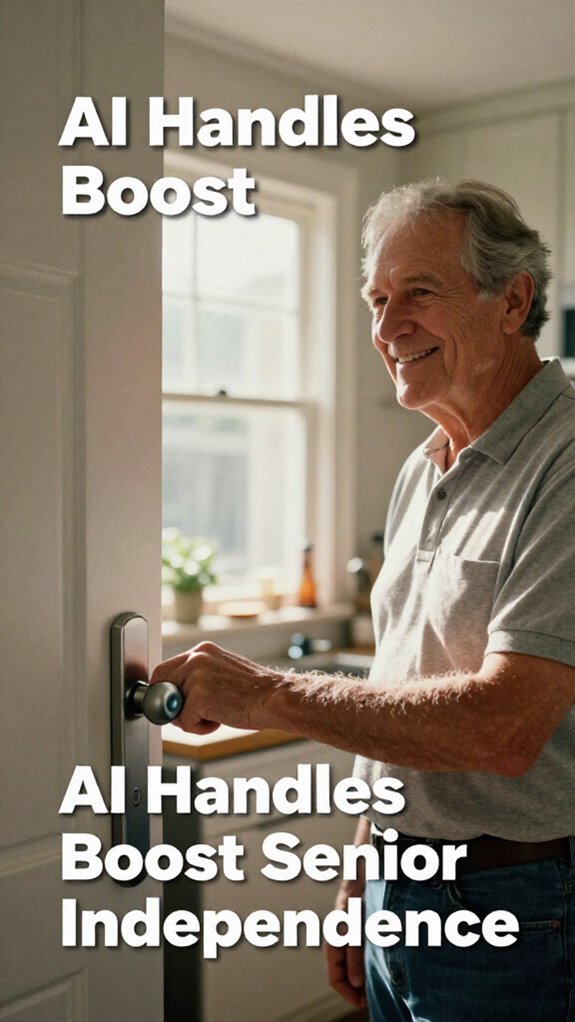
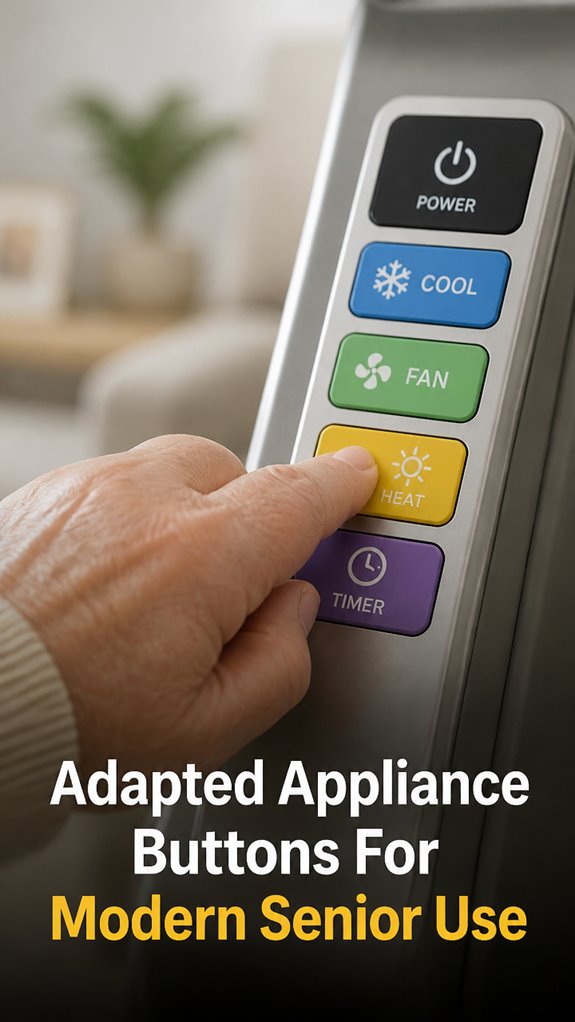
My Dad Couldn’t Work the Microwave—So I Fixed It
I watched Dad fumble with those microscopic buttons on his microwave last Tuesday. That’s when I decided to contribute something meaningful to SilverSoma’s aging-in-place collection.
Big Buttons, Real Independence for Aging Parents
Dad deserves better than squinting at appliance controls. I installed oversized push-buttons on his GE refrigerator and added voice-activated features to his Instant Pot. Clear labeling. Tactile feedback. Everything within arm’s reach. No dignity lost—just smarter accessibility.
When Independence Matters Most
Two months ago, Dad called frustrated about the washing machine. Installing large, textured knobs transformed his laundry routine. He stopped asking for help. That moment—when he did laundry solo—reminded me why adaptive design matters for seniors aged 75-plus managing daily tasks independently.
Quick Takeaways
- Large, tactile buttons with ergonomic grips improve ease of use and independence for seniors.
- Color-coded and high-contrast controls enable quick recognition and navigation.
- Voice activation allows hands-free operation, reducing manual effort and complexity.
- Tactile feedback enhances interaction accuracy, especially for users with limited dexterity.
- Controls are designed for easy reach and intuitive layout, ensuring safe and effective use.
Why Larger Appliance Buttons Help Seniors Keep Independence
Recall those old office keyboards with teeny tiny keys you’d have to hunt down like a missing memo? Now, picture your dad trying to punch a tiny button on a blender—frustrating, right? Larger appliance buttons with an ergonomic grip and tactile feedback make all the difference.
A well-placed emergency strobe lights can further enhance safety and visibility in urgent situations.
They let him operate gadgets with confidence, feeling more independent and less like a patient. No more squinting or fumbling—just smooth, satisfying presses that reinforce his dignity.
Isn’t that what we all want? To ditch the outdated, make life easier, and empower seniors to keep their autonomy? That’s modern safety done right.
Key Features for Easy-to-Use Senior Appliance Controls
When you’re upgrading your dad’s home, one thing’s clear: tiny, fiddly buttons are basically a recipe for frustration—and a shortcut to lost independence.
That’s why key features like voice activation make all the difference. Envision telling the stove, “Start cooking,” and it listens — no fuss, no fussing with small buttons.
Voice activation simplifies daily tasks, eliminating small buttons and making independence effortless.
Plus, sleek aesthetic design keeps controls looking modern and unobtrusive, fitting seamlessly into his space, keeping dignity intact.
These controls empower him to stay autonomous, free from the traps of clunky old tech. Incorporating automatic pan stirrers into his kitchen setup can further simplify meal preparation and boost efficiency.
Research shows that ergonomic design in controls can significantly improve ease of use for seniors, reducing strain and enhancing comfort.
Isn’t it time we ditch the relics of the past and embrace a smarter, more liberating way to live?
How to Pick the Right Button Sizes and Layouts
Figuring out the right button sizes and layouts isn’t just about avoiding tiny, impossible-to-hit keys — though, let’s be honest, who wants to fight with a button half the size of a postage stamp? You want options that shout “reach me!” with clear visual indicators and voice control backup. A shock absorbing design can also help prevent accidental presses and improve overall usability. Additionally, choosing buttons with appropriate tactile feedback enhances ease of use, especially for seniors who may have diminished dexterity.
Pick buttons big enough for a gentle tap—think big, colorful, and distinctly separated. Layout should be intuitive, not like deciphering obscure corporate jargon. Use tables to organize controls clearly.
Your goal? Dignity meets efficiency, giving your dad the independence he’s earned. No more office-like frustration, just simple, liberating mastery of his tech with a friendly, accessible design.
Installing and Testing Your New Appliance Buttons Safely
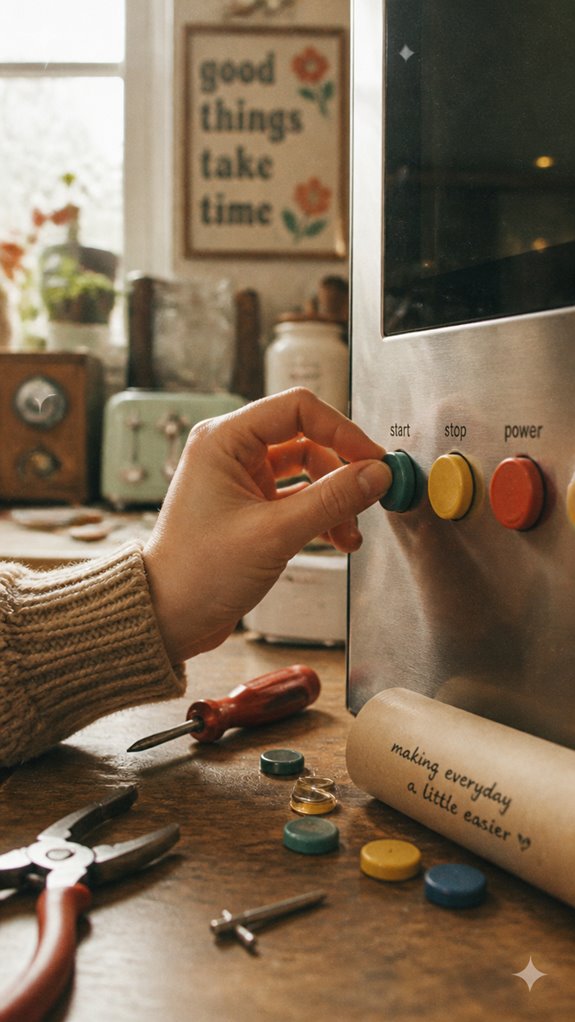
Getting those new appliance buttons installed and tested might sound as exciting as organizing your old files from that dusty office cabinet, but trust me, it’s way smarter—and way more rewarding. You’re empowering your dad’s independence with visual feedback and tactile sensitivity, making every action intuitive. Think about: – Ensuring buttons are placed within easy reach – Testing tactile responses for clarity and comfort – Confirming visual feedback is bright and obvious – Double-checking that safety features respond instantly – Using rolling craft carts to organize tools and replacement parts efficiently during installation.
Getting feedback from top phone light flasher recommendations for safety can help you select optimal visual alerts that enhance visibility. Why settle for outdated, fragile setups? With a little patience and these tips, you safeguard his dignity and freedom—so he feels confident pressing buttons, not like he’s back in some corporate maze fighting for clarity.
Top Products to Upgrade Your Appliances for Elder Ease
Crafting a smarter, safer home for your dad isn’t about adding clunky, old-fashioned appliances or relying on confusing switches. Instead, you upgrade with intuitive, assistive technology that reduces cognitive load and invites independence. Think voice-controlled ovens, one-touch coffee makers, or smart buttons that turn off appliances automatically. These ease his daily routines while honoring his dignity. Here’s an understanding:
| Upgrade | Benefit |
|---|---|
| Large, tactile buttons | Less stress pressing tiny, confusing controls |
| Voice command modules | Hands-free support, no need for tech frustration |
| Automated shutoff features | Prevent hazards, reduce mental clutter |
Say goodbye to old office frustrations and hello to liberation!
Smart Home Sensor Integration
You know that feeling when you’re stuck in one of those endless meetings at the office—dull, predictable, like no one really gets you? Well, that’s why smart home sensor integration is your freedom ticket.
Envision no more fumbling with confusing buttons or worrying about safety. With voice command integration and ergonomic design, your dad can control everything effortlessly—lighting, locks, even alerts—just by talking or a simple gesture.
It’s like having a tech-savvy assistant that respects his independence, keeps him safe without fuss, and lets him live his best, autonomous life. Incorporating radar-based health monitors can further enhance safety by tracking vital signs seamlessly in the background.
Smart Switch Malfunction Occurs
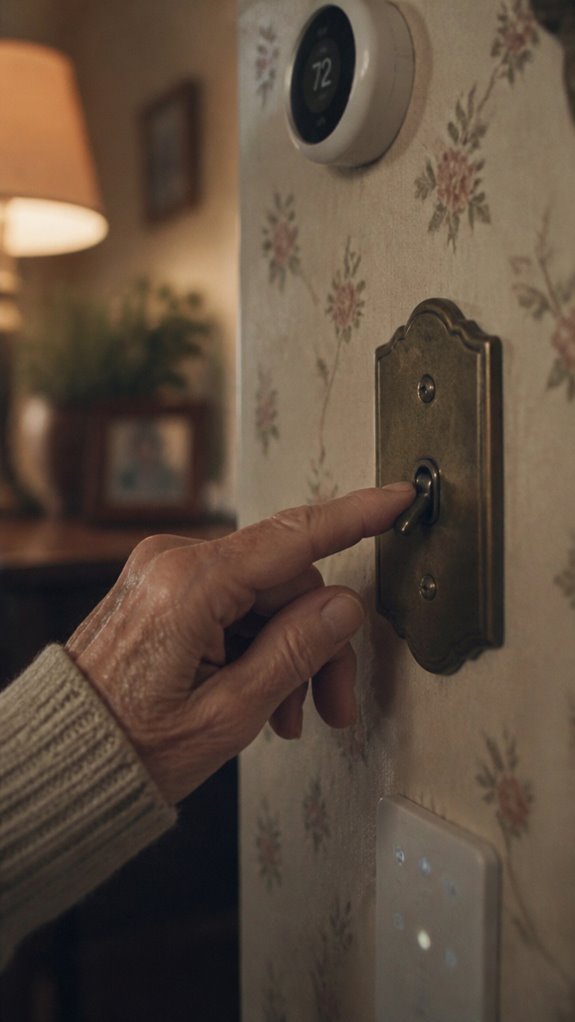
Even in a house full of the latest smart tech, sometimes the big red switch fails to do what it’s supposed to—sounds familiar, right? When voice commands or tactile feedback glitches happen, I know it can be frustrating, especially when it threatens your dad’s independence.
But don’t worry, these hiccups aren’t permanent. Often, a simple reset or re-calibration tailored for senior users clears the issue. Think of it like a digital power nap.
No need to revert to old-school switches or old boss-style micromanagement. Instead, you’re restoring the autonomy, making tech work *for* him, not against him—because dignity is the real upgrade. Regular maintenance and understanding smart home system operations can help prevent these issues before they occur.
And just as solar motion floodlights enhance safety and convenience externally, similar simple adjustments indoors can make a big difference in daily independence.
Wireless Remote Control Systems
Picture trying to manage all those bulky remote controls in your dad’s house—remember those days in the office when half your day was spent hunting down the right PowerPoint clicker or fumbling with tangled phone cords? Wireless remote control systems change everything.
Now, you can set up voice command customization so dad just says, “Turn on the TV” or “Lower the volume,” instead of juggling buttons. Plus, with color-coded interfaces, he can easily spot his favorite functions.
For added simplicity, integrating top floor pressure sensors can enhance device responsiveness, ensuring commands are executed accurately even if the layout is complex. These sensors can also help prevent accidental activations, making the system more user-friendly for seniors. No more frustration, no more dependency—just pure liberation. Isn’t it time to ditch the chaos and give your dad the joy of effortless independence?
FAQ
Are There Universal Appliance Buttons Suitable for All Brands?
Think of universal appliance buttons as your technological freedom, offering compatibility across brands. They seamlessly integrate devices, empowering you with control and liberation, eliminating frustration, and making daily routines more intuitive and adaptable for every home.
How Long Do These Adapted Buttons Typically Last?
These adapted buttons typically last several years, thanks to rigorous durability testing and high-quality materials. You’ll appreciate their resilience, giving you free, reliable control without frequent replacements, consequently enhancing your independence and peace of mind effortlessly.
Can These Buttons Be Used Without Professional Installation?
You can often install these user-friendly design buttons yourself, boosting independence and safety features. Envision your loved one confidently managing daily tasks, experiencing liberation from complex setups, while your home becomes a haven of effortless support and secure living.
Do They Require Special Maintenance or Cleaning?
You don’t need frequent cleaning for these buttons. Follow simple maintenance tips, like wiping with a damp cloth during cleaning schedules, to keep them working smoothly, giving you more freedom and less worry about upkeep.
Are There Options for Voice-Activated Appliance Controls?
Yes, you can access voice commands with accessibility features, giving you liberation from physical controls. These options let you control appliances effortlessly, enhancing independence and convenience, making your home truly smart and empowering your everyday life.