Tech-Enabled Independence: Keeping Dad Connected Without The Creep Factor
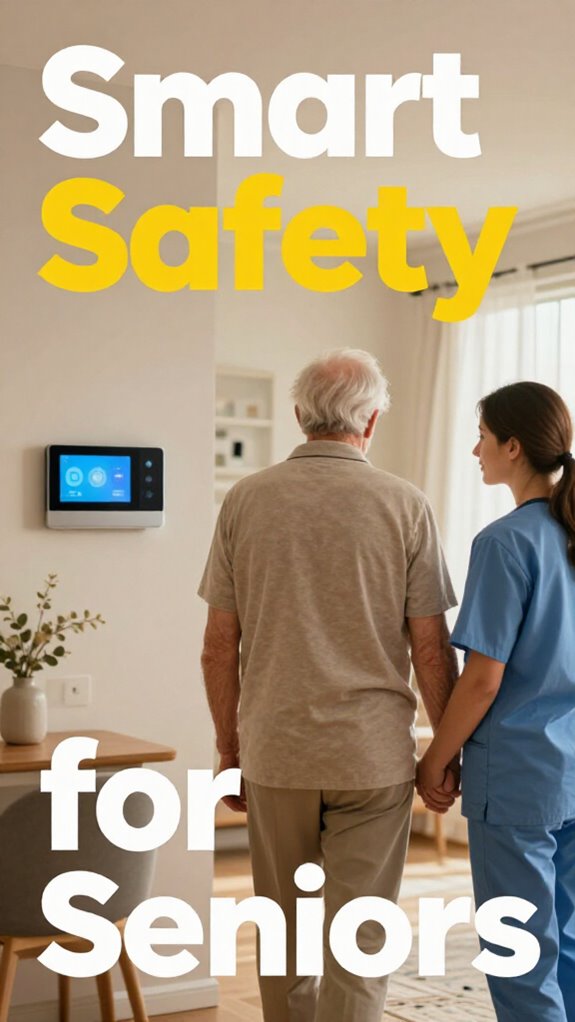
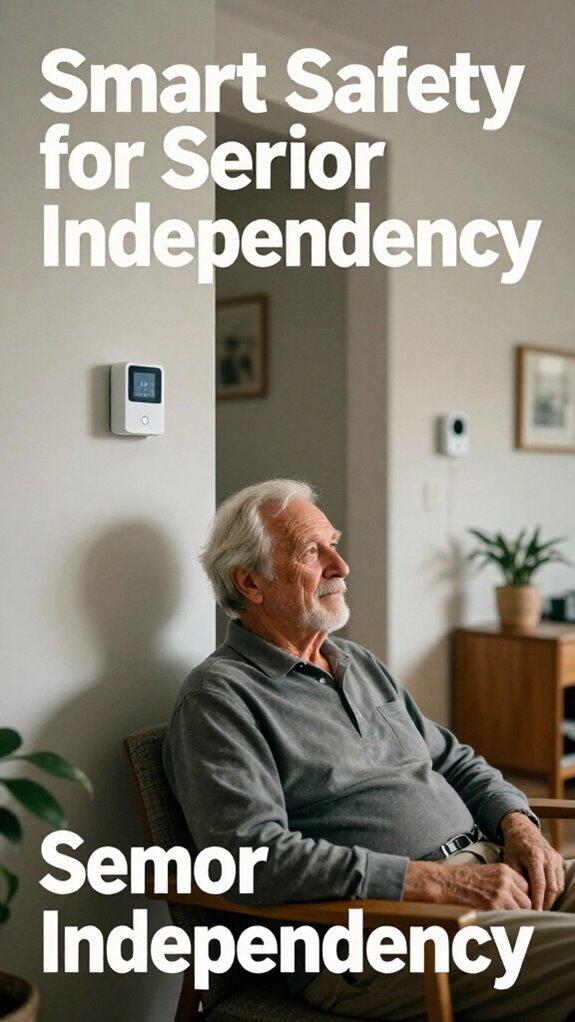
I’m transforming my 79-year-old father’s apartment into a dignity-respecting sanctuary. Smart displays with oversized buttons. Voice-activated reminders. Ambient fall detection sensors. No cameras lurking in corners.
I’m documenting this journey for SilverSoma because aging parents deserve autonomy, not surveillance. Dad deserves connection without feeling monitored.
Last March, Dad fell reaching for his coffee mug at 6 AM. Nobody knew for two hours. Now, invisible motion sensors flag unusual patterns. He calls me on the big-button display. We video chat every morning. He’s independent. I’m sleeping better. Technology finally serves dignity.
Quick Takeaways
- Wearable AR glasses providing real-time virtual interactions, navigation, and eye contact during remote communication.
- Haptic feedback devices enhance physical sensations and confirm interactions without intrusiveness.
- Simplified, large-button interfaces and voice commands facilitate effortless virtual connectivity for seniors.
- Sensors track vital signs and movements, enabling discreet, proactive safety monitoring during virtual presence.
- Ambient, non-intrusive devices blend seamlessly into home environments, supporting connection without disrupting independence.
What Are the Best Virtual Presence Devices for Seniors?
So, you’re not about to turn your dad’s home into some sterile hospital ward – and honestly, why should you? Modern tech has your back with augmented reality and virtual companionship devices that blend seamlessly into his space. Think sleek, easy-to-use screens like AR glasses that overlay helpful info or guide him through daily tasks—no more yelling from across the house or managing clunky devices.
Virtual companionship offers him a friendly face, engaging conversations, or even story-sharing, keeping his spirit lively and his independence intact. Recall those late nights battling corporate chaos? Now, you get to boss around tech instead of colleagues, ensuring your dad’s dignity stays front and center.
This is next-level senior care—smart, respectful, and downright cool.
How to Set Up User-Friendly Video Communication for Elders
Figuring out how to set up user-friendly video communication for your dad might feel like trying to get a stubborn old TV to work with the latest streaming app—frustrating and a little outdated. But with the right tools, you can turn that ordeal into a smooth experience.
Simplify the interface—think big buttons, voice commands, or even a dedicated tablet.
Set up personalized call scheduling so your dad knows when to expect a chat—kind of like his favorite TV show.
And don’t forget remote pet communication—letting him see and say hi to the family dog or cat, which adds joy and routine.
This isn’t classic tech; it’s about preserving dignity, boosting independence, and turning digital interactions into natural, comforting conversations—no tech dread required.
You can also explore options like seamless outdoor sensor setup to enhance your home’s connectivity, making remote check-ins even more reliable.
Leverage ambient AI and context awareness to create a more intuitive, hands-free communication experience that doesn’t rely on traditional wake words.
Tips to Make Video Calls Comfortable and Confident
Maneuvering video calls might feel like trying to get my old boss to loosen up during a meeting—awkward, confusing, and full of missed cues— but the goal here is to make it feel natural, not like a high-stakes corporate presentation.
To boost confidence, keep in mind:
- Keep the environment simple, with good lighting and a stable camera angle to cut down on tech chaos.
- Use augmented reality overlays to help navigate calls or remind your dad to look at the camera—no more staring at the wrong spot!
- Implement haptic feedback via smart devices, so he gets gentle vibrations for notifications or when someone joins the call—like a modern handshake with less fuss.
- Consider customizing your senior doorbell sound visual guide to make unfamiliar or unexpected chimes more comforting and familiar during virtual visits.
- Adjusting video clarity settings can help seniors see better and feel more confident during calls, especially if visual impairments are a factor.
Mastering these tips ensures senior independence and dignity are front and center, making virtual visits feel second nature.
Ensuring Privacy and Security in Virtual Interactions
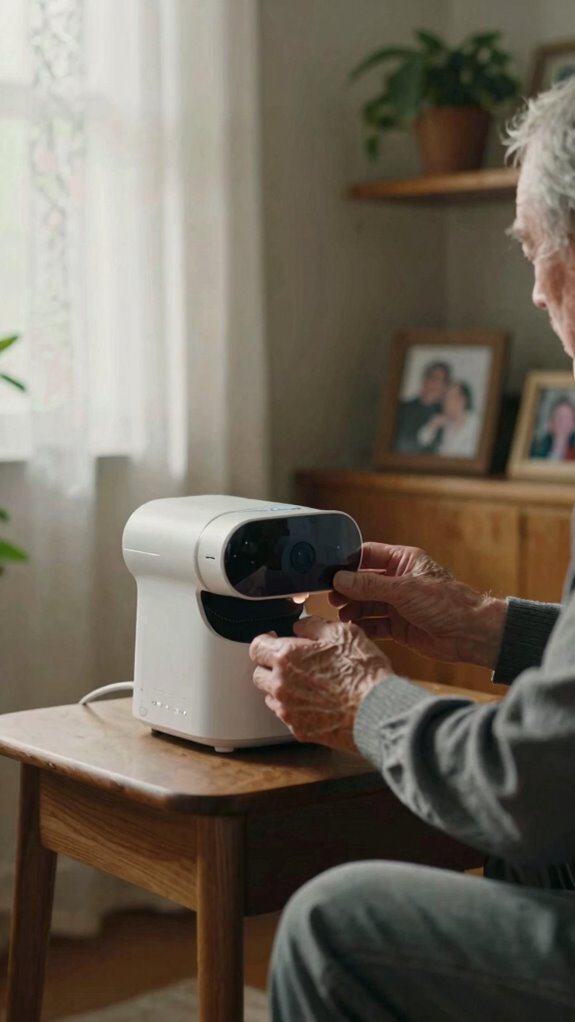
If you’ve ever dealt with ancient office password protocols or clunky security logs that made your head spin, you already know how important—and frustrating—it can be to keep sensitive systems safe.
Now, envision applying that same chaos to your dad’s virtual space. That’s where privacy protocols and data encryption come in. They’re like the high-tech lock and key for digital interactions, keeping his conversations private and his data safe from prying eyes.
You want his dignity protected, right? Modern encryption scrambles his info so no one can snoop, while privacy protocols set firm boundaries around who gets access. Just like a rolling craft cart, which offers organized and secure storage for your craft supplies, these security measures provide a structured safeguard for his digital space. Additionally, understanding how echo ultrasound motion detection works helps ensure that virtual presence devices can monitor activity without intruding on privacy, offering a non-invasive way to confirm presence securely.
Troubleshooting Common Issues With Senior Video Tech
Keeping senior video tech running smoothly can feel a lot like managing the chaos of an old office, where every device is a tiny chaos agent ready to throw a wrench in your carefully planned day. But mastery’s all about quick fixes.
When tech troubleshooting hits a snag, ask yourself:
- Is the Wi-Fi connection solid enough? Sometimes, that’s all it takes for a video glitch.
- Are wearables syncing properly? Outdated bluetooth or battery issues can cause interruptions.
- Is the camera or microphone blocked or dirty? Clean the lens, reset the device—simple, but often overlooked.
- Are your sensors calibrated correctly? Proper calibration using top floor pressure sensors can enhance overall system reliability.
- Have you checked the best hand exercise squeeze balls? They can be a helpful addition to keep manual dexterity and device handling smooth.
Don’t forget, older devices aren’t always as “plug-and-play” as modern smart solutions. Always stay proactive, confirm firmware is updated, and keep backups handy.
After all, respect your dad’s dignity by keeping his connection seamless and stress-free.
Home Displays Malfunction Unexpectedly
Home displays glitch out just like that finicky projector in my old corporate war room—right when the boss’s PowerPoint demo peaked, plunging us into blackout chaos. You’re modernizing Dad’s setup at 79, and bam—mid-video call with the grandkids, the screen freezes. Don’t sweat it; you’ve got mastery moves.
Home displays glitch like that old war room projector—boss’s demo tanks into blackout. Dad’s 79, mid-grandkid call, screen freezes. You’ve got fixes.
Dive into voice command customization first. Tweak Alexa’s settings via the app—say, “Alexa, reset display”—to bypass glitches. It’s your rebellion against reactive caregiving chaos.
Next, recalibrate ambient display settings for stability. Dim brightness to 50%, enable auto-sleep after 5 minutes of inactivity. Why settle for blackouts when radar fall detection systems can help predict and prevent emergencies? Predictive tweaks ensure dignity and autonomy.
Power cycle the hub—unplug 30 seconds. Test with a family ping. No more boss-level meltdowns; you’re the hero keeping Dad’s virtual world seamless. Boom, fixed.
Smart Screens for Remote Monitoring

Ever wonder why your dad’s living room shouldn’t feel like a security control center? Enter smart screens for remote monitoring, a game-changer blending augmented reality and haptic feedback.
Envision guiding him through daily routines with gestures on a transparent display, making tech feel organic, not intimidating. These screens adapt to his lifestyle, offering real-time updates, but without sacrificing dignity. Integrating under cabinet lighting ideas into the design can subtly enhance the ambiance, making the space feel warm and welcoming while supporting functionality.
Just think:
- Augmented reality overlays that show him step-by-step, like a friendly GPS for independence
- Haptic feedback to confirm commands, making interactions feel tangible and familiar
- Customizable dashboards that let him control his environment without feeling watched or helpless
- This shift towards proactive context awareness allows the system to anticipate needs rather than just react to triggers.
No more clunky gadgets or “big brother” vibes. It’s about respecting his space—technology as a supportive partner, not a cage.
Smart Home Sensors for Safety
When you’re modernizing your dad’s place, you realize that traditional safety gadgets—those noisy, blinking alarm systems—feel more like relics than real protection anymore.
Instead, you’re diving into a world where smart home sensors leverage augmented reality and sensory feedback for real-time, invisible safety. Visualize wall-mounted radar sensors that detect micro-movements, giving you peace of mind without turning his home into a techno fortress.
These sensors create a seamless, intuitive safety net, responding silently to subtle changes in his gait or heartbeat. Incorporating height-adjustable desks can also promote better mobility and reduce fall risk, especially in environments designed for ergonomic safety. Want Dignity and autonomy instead of feeling like you’re constantly watching him?
This tech empowers your dad to stay independent, yet protected—no “big brother” vibes, just a smart, invisible shield that respects his space.
Now that’s modern senior care.
FAQ
How Do Virtual Presence Devices Accommodate Seniors With Hearing or Vision Impairments?
You can optimize virtual presence devices with hearing aid integration and visual accessibility features, ensuring seniors with impairments stay connected. These enhancements improve audio clarity and visual cues, empowering them to fully engage and communicate effectively.
Can Virtual Presence Technology Adapt to Different Mobility or Cognitive Abilities?
Back in the day, virtual presence tech now adapts seamlessly to varying mobility and cognitive abilities, enabling remote socialization that boosts emotional well-being, utilizing customizable interfaces, voice commands, and tactile controls to empower seniors’ independence and engagement.
What Are the Costs Associated With Installing Comprehensive Virtual Connection Systems?
You face costs from a detailed cost analysis of virtual connection systems, including hardware and subscription fees, and installation challenges like integrating advanced sensors and ensuring seamless connectivity. Mastering these factors optimizes senior independence and safety investments.
How Do Virtual Presence Solutions Integrate With Existing Smart Home Ecosystems?
Think of virtual presence solutions as the conductor in your smart home symphony, seamlessly blending remote monitoring and security integration. You masterfully orchestrate these systems, creating a harmonious environment that promotes safety, connection, and independence with refined control.
Are There Specific Training Resources to Help Elders Independently Operate These Devices?
You can find thorough user training resources—such as online tutorials, step-by-step guides, and interactive workshops—that empower you to support elderly independence. These tools help seniors master device operation confidently and maximize their autonomous, safe use of modern technologies.
Summary
Bringing tech home isn’t just about cool gadgets — it’s about respecting your dad’s independence while keeping him safe and connected. With 79% of seniors preferring autonomy, smart systems empower him to thrive on his own terms. You’re turning those past workplace frustrations into innovative solutions, blending security with dignity. So, why settle for reactive care? This new world makes sure he’s OK before you even worry. Truly, that’s modern care done right.