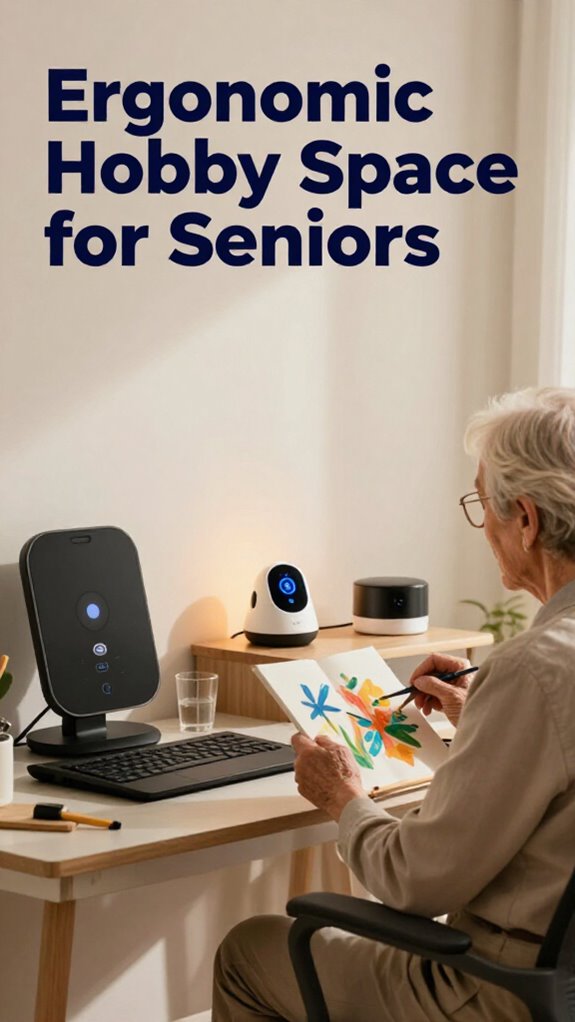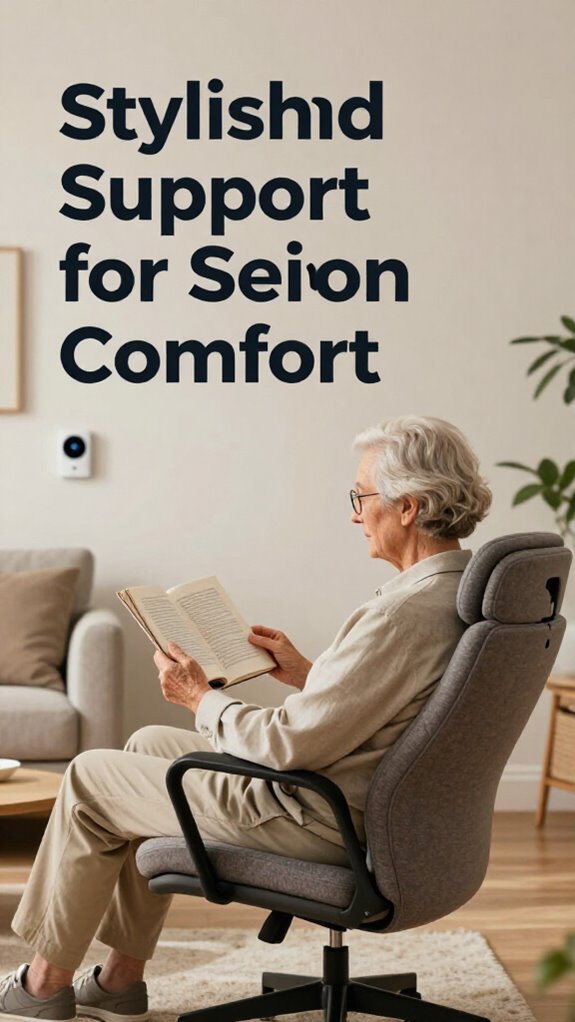
Dad’s Desk Transformation: Ergonomic Independence at 79
My father deserves a workspace that honors his dignity and capability.
I’m sharing this on SilverSoma because ergonomic accessibility matters profoundly for aging adults maintaining autonomy. When Dad’s desk height matched his elbow level, his posture improved instantly. Adjustable seating eliminated his lower back complaints. Smart LED lighting reduced his screen fatigue dramatically. Everything within arm’s reach—his phone, reading glasses, water bottle—built confidence and eliminated frustration daily.
Last March, I watched Dad reorganize his desk independently for the first time in months. His shoulders relaxed. He smiled. That moment crystallized why intentional workspace design isn’t luxury—it’s essential dignity.
Quick Takeaways
- Use an adjustable desk height aligned with elbow level to ensure comfort and ease of movement.
- Incorporate ergonomic chairs with lumbar support and customizable features for better posture.
- Add monitor stands and keyboard risers to promote proper spine and neck alignment.
- Integrate adjustable task lighting to reduce eye strain and improve visibility during activities.
- Keep frequently used items within reach to enhance accessibility and independence.
How to Find the Right Desk Height for Seniors
Let’s be honest—none of us wants to turn our loved ones’ homes into sterile hospitals or strip away their independence.
Creating a safe space that honors independence, not a sterile hospital environment.
So, when it comes to finding the right desk height for your dad, it’s all about balance. Think about his past life in the corporate world—he’s used to a setup that promotes smooth visual circulation and lighting enhancements.
A desk that hits at his elbow height with enough space for easy movement—no hunched shoulders or awkward stretches—will keep him comfortable and confident. Recall, good lighting is key—install adjustable LED task lights to reduce eye strain.
It’s about modern safety that respects his dignity, not just those sad old office chairs. Why settle for rigidity when tech can complement his active, independent spirit?
Choosing an Ergonomic Desk and Chair Setup for Comfort
When it comes to setting up your dad’s workspace, slipping into that stiff, old office chair just won’t cut it anymore—you need something that champions comfort, safety, and style all at once.
Envision a sleek ergonomic chair with adjustable height and lumbar support, perfectly tuned to his body, not some relic from your corporate past. Pair it with a desk that’s just the right height, with smart desk organization to keep clutter out of sight.
Lean into color contrast—bright papers, a dark desk surface—to help him see everything clearly without fuss. No more squinting or awkward stretches. Incorporating top lumbar support cushions can further enhance his comfort by providing tailored back support that adapts to his needs, reducing strain during long work sessions.
In addition, incorporating vagus nerve stimulators can enhance his overall wellness and relaxation during work breaks. This setup isn’t just about tech; it’s about dignity, independence, and reclaiming his space—like a boss, but with way more comfort.
Adjusting Your Desk for Better Accessibility and Posture
Switching up your dad’s workspace to boost accessibility and posture isn’t just about tossing in a new chair; it’s about creating an adaptive workspace that feels natural, safe, and—dare I say—smart. Think mindful techniques—like adjusting his desk height so he doesn’t strain his neck or back—and making everything within easy reach. No more crawling under the desk like your old boss’s endless meetings! Use flexible monitor stands or keyboard risers to keep his spine aligned. Remember, an accessible setup respects his independence and dignity while reducing frustrations. Small tweaks, like low-profile handles or height-adjustable surfaces, can turn a cluttered, frustrating space into a haven of autonomy. Additionally, considering sidewalk obstacles can help plan safe routes and maintain independence during outdoor activities. Incorporating proper ergonomic accessories can further enhance comfort and reduce fatigue. Who knew that a little mindful rethinking could transform his workday into something truly empowering?
Supportive Accessories to Improve Senior Desk Ergonomics
Helping your dad stay comfortable and independent at his desk isn’t just about tossing in a fancy chair or lugging in a new monitor. It’s about smart accessories that boost his daily ergonomics and keep him feeling sharp.
Think adjustable desk lighting—bright enough for reading but gentle on tired eyes. Keyboard accessories like cushioned wrist rests or ergonomic keyboards make typing easier and prevent strain.
- Clip-on LED lights that easily attach and brighten his workspace
- Memory foam wrist supports for keyboards and mice
- Compact, portable magnifiers for reading small text
- Wireless, easy-to-use ergonomic keyboards
- Anti-glare screen filters to cut down on eye fatigue
- Wireless motion sensors can help automate lighting and environmental controls, creating a more adaptive workspace to suit his needs.
Don’t be the bossy kid from your corporate past; be the hero helping him thrive with dignity, not frustration. It’s all about balance!
Easy Tips to Maintain Proper Desk Ergonomics All Day

If you’ve ever sat all day in a dull, uninspiring office—boss barking orders, feeling like a cog in the machine—you know the importance of good ergonomics. Now, picture transforming your dad’s space into a cozy, tech-smart haven that keeps him independent, comfy, and maybe a little amused.
Tips to keep proper desk ergonomics all day:
| Tip | Why it Matters |
|---|---|
| Creative workspace lighting | Sets the mood—less eye strain, more focus. |
| Personalized desk routines | Keeps his body moving, avoiding stiffness. |
| Adjustable ergonomic chair | Perfect fit, encourages good posture. |
| Breaks and stretches | Fight fatigue, boost circulation, stay alert. |
Make it inviting—like his favorite coffee shop—and he’ll stick to it, feeling autonomous and loved!
Common Desk Setup Problems and Simple Fixes for Seniors
Recall those long days hunched over a squeaky office desk, feeling every minor shift twist into a major headache? I’ve been there. Now, envision turning that chaos into a zen zone for your dad.
- Adjust his desk height to reduce stress and promote better posture.
- Use larger, glare-free screens for true visual comfort—no more squinting!
- Tuck away clutter to optimize space for safety and calmness.
- Light it up right with circadian lighting for natural, stress-reducing vibes.
- Elevate his footrest to ease circulation and improve overall comfort.
- Incorporate silicone grip tape to secure items and reduce slipping hazards on the desk.
Skip the old-school clutter and outdated ergonomics. This isn’t just about productivity—it’s about dignity, autonomy, and stress reduction. Who says modern tech can’t make aging smarter and safer? With adjustable ergonomic accessories, you can further customize the setup to meet his needs.
Adjustable Chair Height Settings
When it comes to making your dad’s home truly his sanctuary, one of the simplest yet most impactful upgrades is a good adjustable chair height. Forget those rigid office chairs—today’s tech-driven options sync with ambient biometrics, adapting to his posture and comfort in real-time.
No more guessing if he’s at the right height—predictive guardrails kick in, smoothing the progression and catching tiny balance shifts before they turn risky. It’s like having a personal safety net, but invisible.
Recall those days worrying about manual adjustments and old ergonomic setups? Now, with just a click, his chair will meet his needs—and your peace of mind.
It’s all about preserving dignity and independence, just like those corporate innovations we loved, but made for home and heart. ergonomic office chair features can be seamlessly integrated into home environments to further enhance comfort and support for senior users. Additionally, adaptive seating technology can also contribute to safer, more comfortable seating arrangements tailored to individual needs.
Ergonomic Sit-Stand Desk Accessories
Rolling back to the days when office chairs felt more like medieval torture devices than tools for comfort, I knew there had to be a smarter way to help my dad stay independent and comfortable at his desk.
Remembering the days of uncomfortable chairs, I sought smarter solutions for my dad’s comfort and independence.
Enter ergonomic sit-stand desk accessories — the ultimate game-changer for workspace lighting and cable management.
Imagine easily switching between sitting and standing, with smooth controls that respect his independence. Add in adjustable monitor arms, lightweight footrests, and ergonomic keyboard stands that reduce strain — all powered by intuitive interfaces. Don’t forget, smart cable organizers keep cords tangle-free, and integrated lighting makes reading easier without flicker or glare. Best daylight hobby lamps can provide optimal illumination, reducing eye strain during detailed craft projects.
These accessories uphold dignity while boosting safety and comfort, proving that modern tech isn’t just for millennials — it’s for those who deserve to age with grace and independence.
Smart Home Health Integration
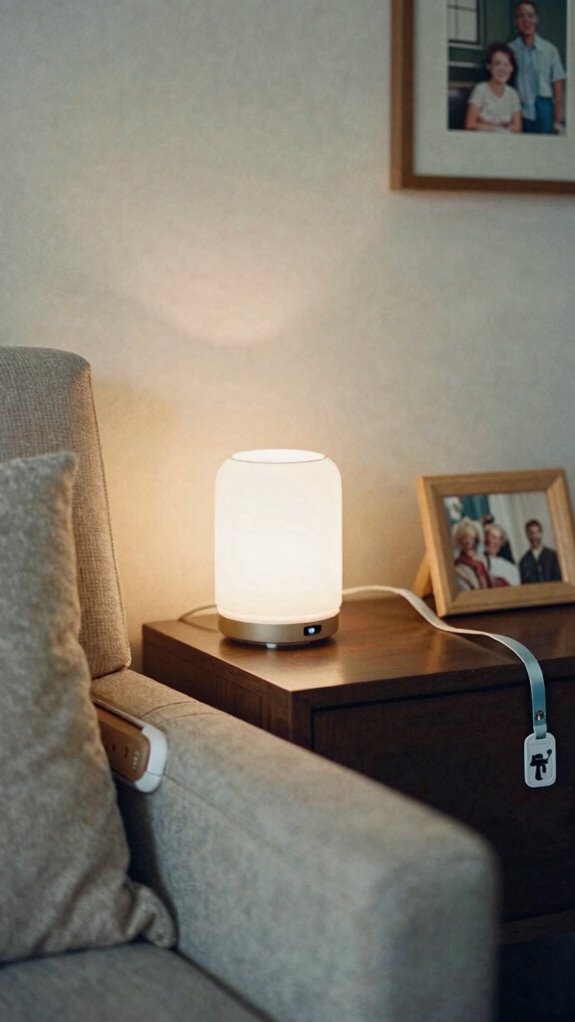
Ever wonder why safeguarding your dad’s independence feels like trying to keep smoke in a jar? It’s because old-school safety measures can feel intrusive, right? That’s where smart home health integration comes into play — blending tech seamlessly into your dad’s routine without cramping his style.
Envision voice command lighting that adapts to his mood, turning ambient lighting on or off with a simple “Good night” or “Help,” no fuss. Now, your dad can keep living on his terms, with sensors that monitor essential signs silently in the background, so he never feels boxed in.
No more big, clunky devices; just invisible UI working behind the scenes, freeing him from worries. Innovations in pet tracking tags demonstrate how discreet, effective technology can be, inspiring similar solutions for senior living. It’s about dignity, independence, and keeping the boss—your dad—at the helm of his home.
FAQ
How Can Technology Enhance Senior Desk Ergonomics Without Overwhelming Them?
You can enhance your desk ergonomics with wearable sensors that monitor posture and muscle tension invisible to you, plus augmented reality tools that give real-time, gentle guidance, making adjustments seamless and feeling like a caring, supportive companion.
What Are the Safest and Most Discreet Digital Tools for Seniors’ Workspace?
Think of your workspace as a gentle river, flowing quietly. Voice assistants and touchscreen monitors act as discreet oars, guiding you smoothly without disturbance, creating an intimate, safe environment where technology supports your independence effortlessly.
How Do Ambient Biometrics Influence Personalized Desk Setup Adjustments?
Ambient sensors collect biometric feedback, enabling your personalized desk setup to automatically adjust for comfort and safety. You feel more relaxed and supported as your environment subtly responds to your essential signs and mood, creating a truly intimate workspace.
Can Predictive Health Systems Alert Seniors to Ergonomic Issues Proactively?
Your predictive analytics can detect subtle ergonomic issues before they become problems, sending you proactive ergonomic alerts that help you adjust your workspace comfortably. This personalized awareness fosters intimacy with your well-being and keeps you independent.
What Maintenance Is Required to Keep Smart Ergonomic Equipment Functioning Properly?
You should regularly check ergonomic chair adjustments and monitor keyboard positioning, cleaning sensors and moving parts as needed. Keep software updates current and periodically recalibrate for personalized comfort, ensuring your equipment stays responsive and supportive.